04 — Schedule and Unschedule a Draft
Nội dung này hiện chưa có sẵn bằng ngôn ngữ của bạn.
Walkthrough
Section titled “Walkthrough”Scheduling is the only way the SEO Navigator MCP server lets a post go
live without manual intervention. There’s no publish_post tool — but
schedule_draft works because WordPress flips the post status to future
and only publishes when the clock catches up. The worker enforces a hard
60-second minimum lead time so accidental “schedule for now” calls turn
into errors instead of an instant publish.
Schedule post 47 on viper-template for tomorrow at 9 AM Vietnam time.
schedule_draft Scheduled. Here’s the result:
- Post ID: 47
- Status: scheduled (WordPress shows this as
futureinternally) - Goes live at: 2026-05-27T02:00:00Z (09:00 ICT)
- Edit in wp-admin:
https://viper-template.on-forge.com/wp-admin/post.php?post=47&action=edit
You’ll see a “Scheduled” badge instead of “Draft” in the WordPress post
list. If you want to cancel the schedule, just say the word — I’ll flip
it back to draft with unschedule.
Why the 60-second floor
Section titled “Why the 60-second floor”WordPress treats “schedule for the past” or “schedule for the next few
seconds” as publish immediately. The worker refuses any
scheduled_at that’s less than 60 seconds in the future:
Actually schedule it for 30 seconds from now to test.
schedule_draft I can’t — the MCP server returned ForbiddenOperationError:
scheduled_at must be at least 60s in the future (got 30000ms)
This is a hard guardrail. The reason is WordPress’s future status path is
effectively a delayed publish — if the time is too close, WP just
publishes immediately, which would bypass the server’s no-publish-now
rule. Pick a time at least one minute out, or schedule the slot you
actually want.
Unscheduling
Section titled “Unscheduling”Reverting a scheduled post to draft uses the unschedule tool. The post’s
content is preserved; only the status changes.
Unschedule post 47 — I want to revise the copy.
unschedule Done. Post 47 is back to draft. The scheduled time has been cleared.
Open https://viper-template.on-forge.com/wp-admin/post.php?post=47&action=edit
to edit. When you’re ready, ask me to re-schedule it.
Hard rules summary
Section titled “Hard rules summary”create_draft→ always lands asstatus=draftregardless of caller-supplied statusschedule_draft→ requiresscheduled_at ≥ now + 60s, throwsForbiddenOperationErrorotherwiseunschedule→ flips status back todraft. Never touches published posts.- No
publish_nowtool exists — see tokens & scoping for why this is enforced at the registry level, not just at runtime
Verifying server-side
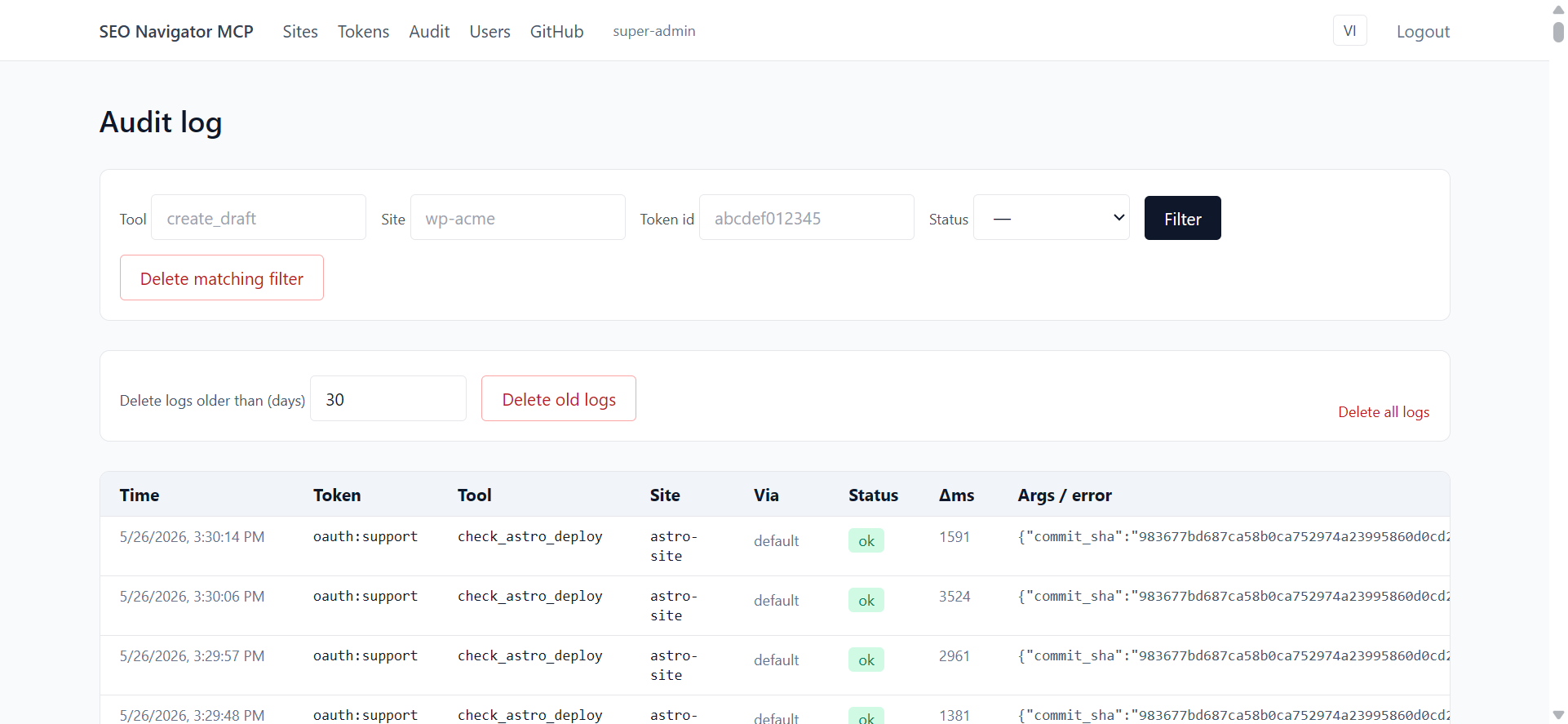
Section titled “Verifying server-side”Both calls show in the audit log:
If schedule_draft returned error with the upstream message
E_UPSTREAM (wordpress 401), the site’s WP app password is wrong or
expired — see diagnose_site to confirm
which check fails.
Demonstrate the schedule_draft and unschedule tools, including the guardrail that a scheduled post never becomes published until the WP cron fires.
Prerequisites
Section titled “Prerequisites”- Scenario 03 completed; a draft post exists on the WordPress site
acme-blog. - You know that draft’s post id (Claude reported it in scenario 03; if lost, ask Claude
> list my drafts on acme-blog). - The user’s timezone is correctly set on the WP site (check
wp-admin → Settings → General).
Setup state
Section titled “Setup state”- Claude Desktop on a new conversation (or continuing scenario 03’s thread is fine).
- A WP admin tab open on the post editor for the scenario-03 draft.
-
Action: In the composer, type:
Schedule my latest draft on acme-blog for tomorrow at 09:00 in my local timezone.
Press Enter. Expected: Claude calls
list_draftsto find the post (or reuses the known id), then callsschedule_draftwithscheduled_dateset to tomorrow 09:00 in ISO 8601. Card resolves green. Recorder: open the tool card to show the ISO timestamp — viewers often miss that it must include a timezone offset. -
Action: Switch to the WP admin tab and refresh the post editor. Expected: The status pill now reads Scheduled, and the Publish button is replaced with Schedule showing the new date/time. Recorder: zoom on the status pill, then on the Scheduled date in the right sidebar.
-
Action: Back in Claude Desktop, type:
Actually, unschedule that post — I want to keep editing it.
Expected: Claude calls
unschedulewith the post id. Card resolves green. Claude confirms the post is back to draft. Recorder: capture the tool card; the input is small ({ post_id, site_id }) so it fits on screen. -
Action: Refresh the WP admin tab again. Expected: Status pill returns to Draft. The Schedule button has reverted to Publish. Recorder: highlight the pill change with a side-by-side before/after frame if possible.
Verification
Section titled “Verification”- Admin dashboard Audit log shows two rows in order:
tools/call schedule_draftthentools/call unschedule, bothok. GET /wp-json/wp/v2/posts/<id>?context=editreturnsstatus: "draft"anddate_gmtreset to current time.
Rollback / cleanup
Section titled “Rollback / cleanup”- Trash the draft in WP admin if you want a clean slate, or leave it for scenario 06.
Edge cases to capture in the recording
Section titled “Edge cases to capture in the recording”- Scheduled date in the past: server returns
E_INVALID_DATE. Show Claude correcting the time after reading the error. - Already published post:
unschedulerefuses withForbiddenOperationErrorbecause the guardrail only allows scheduled → draft, never published → draft. Show the red card and explain. - Trying to schedule a Duda page:
schedule_pageexists for WP only. Show Claude apologising and suggesting Duda’spublish_on_next_site_publishflag instead.